
Product Updates: January 2026
Jan 5, 2026
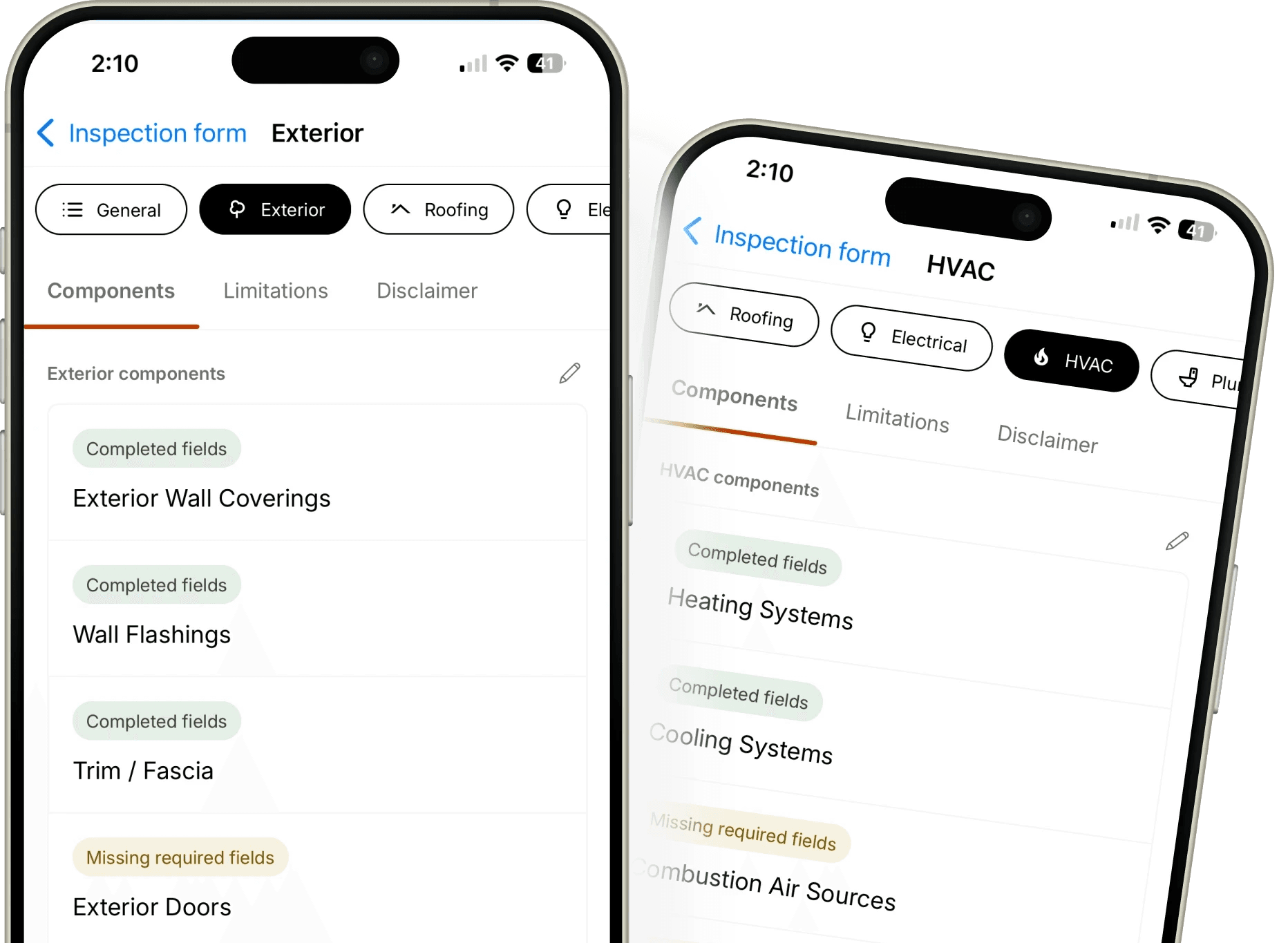
This month we're excited to introduce two features designed to ensure clear and reliable client communication: SOP Templates and Bounced Email Notifications.
To learn more about each feature, see below.
SOP Templates (Standards of Practice)
What's new
Attach professional Standards of Practice documentation directly to your inspection reports. SOP Templates allow you to link industry-standard or custom practice guidelines to your Form Templates, ensuring every inspection report includes the relevant standards your work adheres to.
Eneris includes several built-in SOP Templates to get you started:
InterNACHI Standards of Practice
ASHI Standards of Practice
CAHPI Standards of Practice
HIABC Scope of Inspection
ASTTBC Standards of Inspection
You can also create your own custom SOP Templates with:
Name — Internal reference for your template list
Title — Display title that appears in your PDF reports
URL — Link to the full SOP document online
Body — The SOP content text
Why it matters
Professional credibility — Demonstrate adherence to industry standards and build trust with clients
Compliance — Meet requirements from inspection associations that require members to follow specific standards
Consistency — Ensure all inspections across your team reference the same standards
Clear expectations — Help clients understand what was covered and set appropriate expectations for inspection scope and limitations
How it works
Navigate to SOP Templates from the hamburger menu
Select an existing template or create a new one
Navigate to Form Templates and select the form you want to link
Locate the Standards of practice section and select your SOP Template
Save your Form Template
When you create new inspections using that Form Template, the SOP content is automatically embedded. The SOP section will appear in your published PDF reports, including the title, link, and body content.
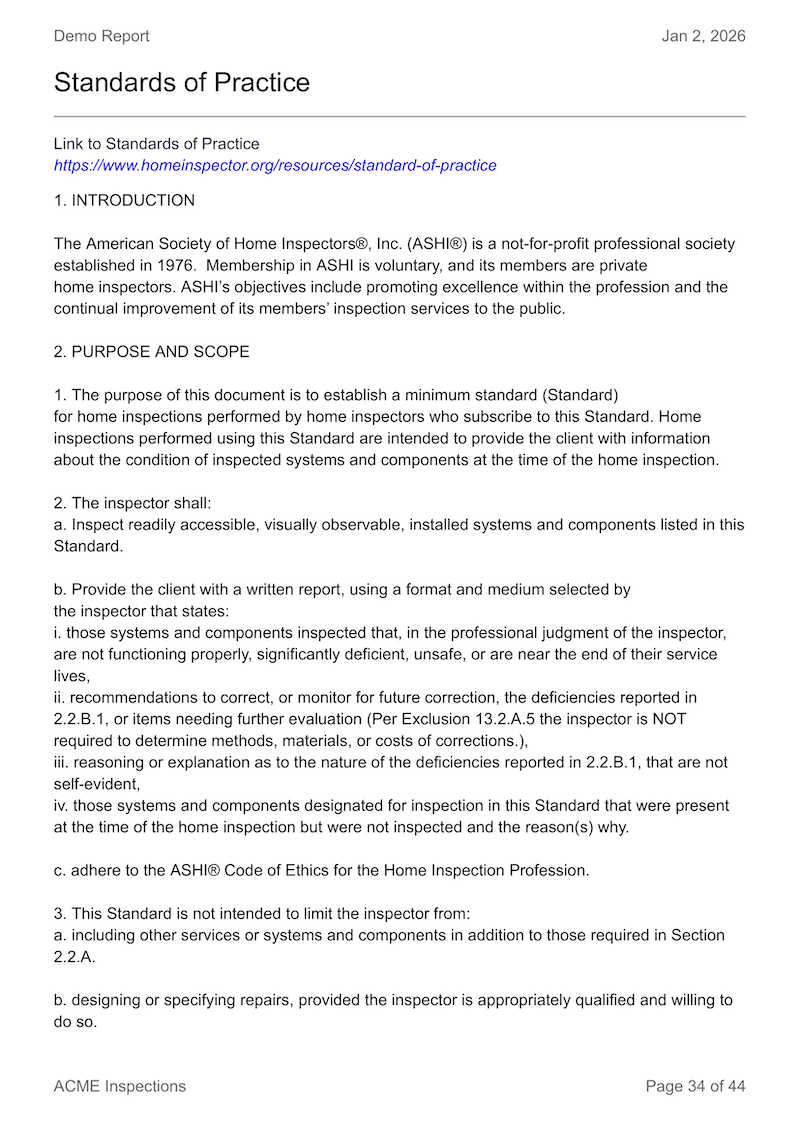
Note: Changes to an SOP Template only affect new inspections created after the change. Existing inspections retain the SOP content that was embedded when they were created. You can also modify the embedded SOP content directly within an individual inspection, if needed.
To learn more about this feature, please visit our documentation on SOP Templates.
Bounced Email Notifications
What's new
When you share inspection reports via email and the delivery fails due to an invalid or bounced email address, you will now receive an email notification from Eneris alerting you of the failed delivery.
Why it matters
Ensure delivery — Know immediately when a client doesn't receive their report
Catch typos — Quickly identify incorrect email addresses before clients wonder where their report is
Prevent missed deliveries — Failed emails no longer go unnoticed
Improve client communication — Follow up promptly with the correct contact information
How it works
Navigate to your inspection report from the inspection form
Select
ShareIn the Email Report page, select the people you want to share the report to. Contacts that you have added to the inspection are available to be selected.
Select
Send
If the recipient's email bounces (invalid address, full inbox, etc.), Eneris will send you an email notification about the failed delivery. You can then contact your client for the correct email address and resend the report.
More Features to Come
In 2026, we're bringing many exciting new features to help you work more efficiently and deliver even better reports to your clients.
Stay tuned for more updates, and if you have any feedback or feature requests, please reach out to us at support@eneris.ca.